Path Exploration in google analytics 4 allows you to analyze the behavior of visitors. From the landing pages to the exit. Let’s see how to analyze traffic coming from a specific source or referral using behavior flow reports in google analytics.
In your Explore tab >> Path Exploration
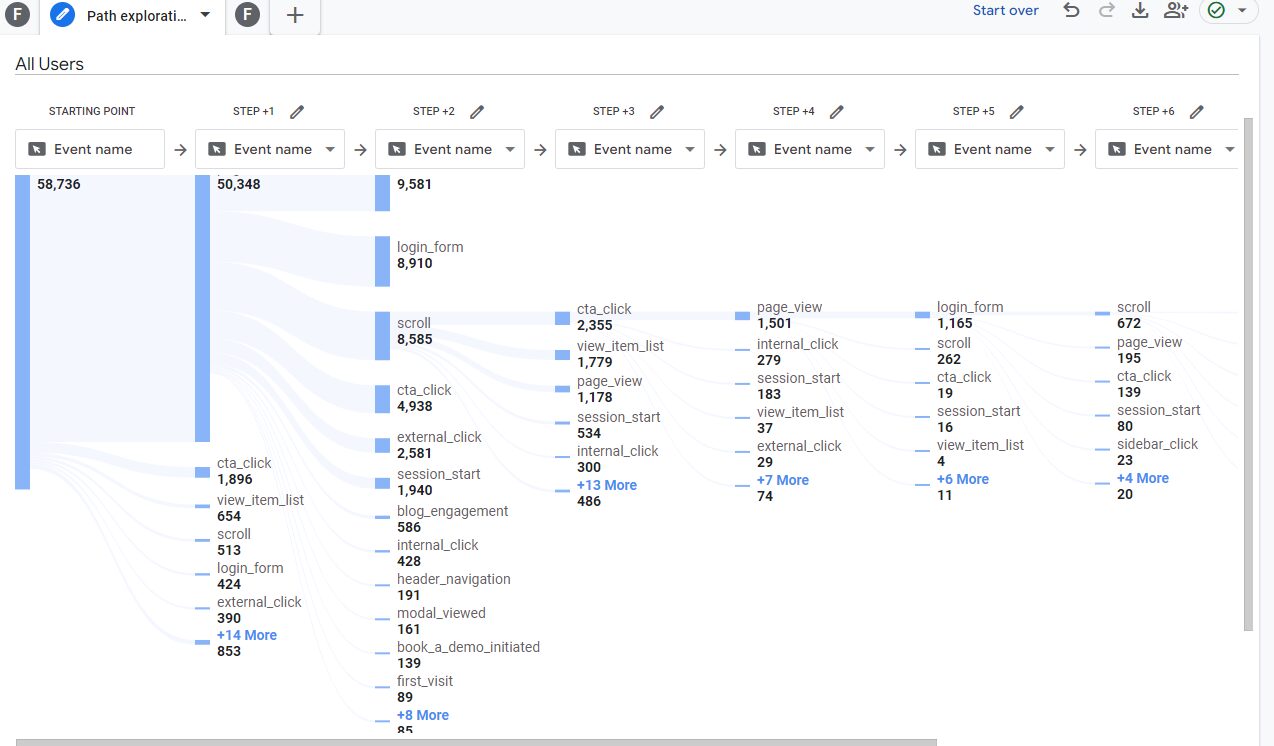
To only show the traffic for a specific source, create a new segment for the source you want to see the traffic for. For example we’re interested in traffic where source equals google.

Apply the segment to the report
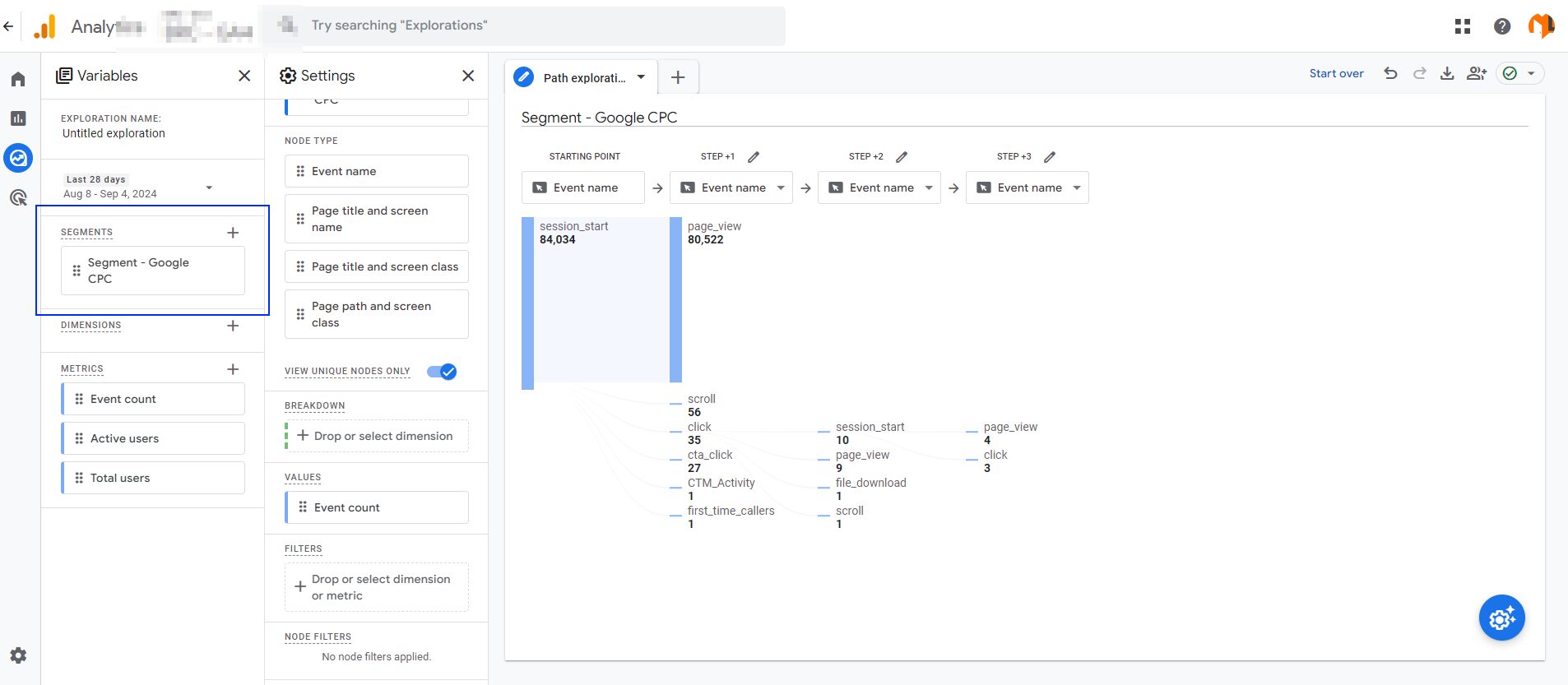
Now, you would be able to see the path of traffic coming from a specific source. How they navigate on your site and which content they browse.